Jede Datei, die Sie hier anfassen, bleibt auf Ihrem Gerät.
PDF-, Bild-, Entwickler-, SEO-, Text-, Studenten- und Business-Tools — alle kostenlos, alle vollständig in Ihrem Browser. Kein Upload, kein Konto, kein Server sieht Ihre Daten.
Popular tools
The highest-demand tools with full options — browse by category below for the rest.
How this actually works
Each tool runs entirely with JavaScript already loaded in this page — PDF tools via pdf-lib and pdf.js, image tools via the browser's native Canvas API, and everything else with plain JavaScript. Your files or input are read into browser memory, processed, and handed back as a download or copyable result. This page itself is served by a small Laravel route; Laravel never sees your files either. The only backend in use is Supabase, and only for two optional things: signing in with a magic link, and — only if you're signed in — a log of which tool you ran and when. Honest limits worth knowing: Compress PDF flattens each page to a re-encoded image (great for scans, not ideal if you need selectable text after); HEIC conversion depends on your browser (Safari usually works; Chrome often cannot decode HEIC without a library we don't ship); Fill PDF Form is best-effort for simple AcroForm fields, not a full Adobe Forms replacement; and Word/Excel/PowerPoint ⇄ PDF genuinely needs a server-side engine, so it isn't included — this build only ships tools that can honestly run client-side.
Questions people actually ask
Is Scientific Calculator free to use?
Yes — it runs in your browser with no account required.
Is my data uploaded to a server?
No for processing. The tool runs locally in your browser tab whenever the format allows.
Can I use Scientific Calculator on my phone?
Yes, in a modern mobile browser. Large files may take longer because your device does the work.
What are the limits?
There is no server quota from us. The practical limit is your device memory and the formats browsers can decode.
Is this really free, and is there a file size limit?
Yes — no account, no paywall. Since processing happens in your browser's memory rather than uploading anywhere, the practical limit is your device's available RAM, not a server quota. Very large files (500+ pages) may run slower, especially for Compress and PDF→JPG.
Does anything about my file get sent anywhere?
No. Every tool runs with pdf-lib/pdf.js loaded in this page; your file is read into browser memory and never leaves it. The only network call this app makes for your account is Supabase auth — and that only stores which tool you ran and when, never file content.
Why isn't Word/Excel/PowerPoint → PDF included?
Converting Office formats accurately needs a real rendering engine (what Word or LibreOffice use internally) — no browser library does this reliably. Rather than ship a broken version, it's left out.
Does TechDriven Tools have OCR (text recognition)?
Yes — OCR PDF recognizes text in scanned or photographed pages using Tesseract.js, running entirely on your device, and gives you a searchable PDF or a plain text file. Nothing is uploaded for this either.
Can I use this without an internet connection?
Once the page and its libraries have loaded once, yes — the tools themselves need no network access. Signing in and viewing history do require a connection, since those talk to Supabase.
What happens to the "history" if I sign in?
Only a row per tool run — the tool's name and a timestamp. No filename, no file content, ever. You can see the full list any time via the History button.
Are the non-PDF utilities (password generator, JSON formatter, etc.) private too?
Yes — same rule as the PDF tools. Word Counter, Case Converter, Password Generator, UUID Generator, Base64, Hash Generator, JSON Formatter and JWT Decoder all run with plain JavaScript already loaded in this page; nothing you type or paste is sent anywhere.
Scientific Calculator, in depth
Scientific Calculator evaluates expressions with functions students and engineers reach for without installing software.
How Scientific Calculator works here
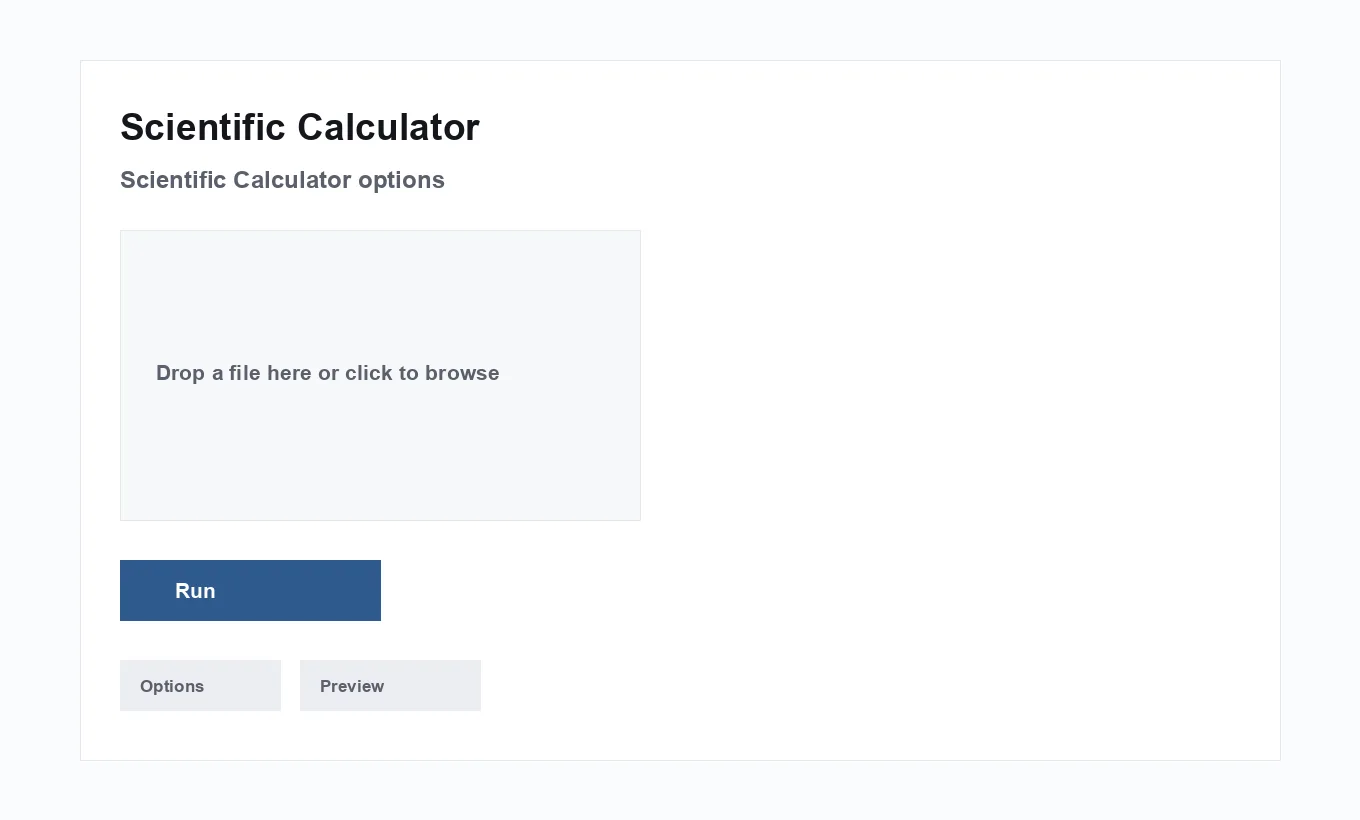
Scientific Calculator runs locally in your browser on TechDriven Tools. Inputs stay on your device — nothing is uploaded for this step.
Read every label before running. For Scientific Calculator, the controls that change outcomes most are: expression entry with scientific functions. Change one control at a time when you are comparing results.
When to use it
Use Scientific Calculator when the job matches what the tool is named for — not as a generic substitute for unrelated PDF or data tasks.
Prefer this browser version when the input is sensitive and you want processing to stay on-device with clear option names like: expression entry with scientific functions.
If the next step differs (for example you finished and now need a sibling utility), jump to a related tool instead of forcing one screen to do everything.
Teams standardize on Scientific Calculator when the alternative is emailing files to a consumer upload site. Document the preferred option defaults (for example the usual quality, corner, or rate) so everyone reproduces the same result.
If Scientific Calculator is only one step in a pipeline, write the order down: what happens before, what happens after, and which related tool owns each step. That prevents double-processing and accidental quality loss.
On mobile, prefer moderate file sizes and simpler option combinations. Local processing is powerful, but phones have less memory than desktops for huge scans or megapixel images.
Homework expressions. Evaluate logs, trig, and powers without a physical calculator.
Lab quick checks. Confirm a formula result before writing it in a notebook.
Engineering snippets. Test an expression while coding a spreadsheet.
Options that change the result
Primary controls
The important controls are: expression entry with scientific functions. Change one at a time when comparing outcomes so you know what improved the result.
Run and verify
After you run Scientific Calculator, open or inspect the output on the device where you will share it. Keep originals until that check passes.
Boundaries
This page does not replace desktop suites for heavy Office conversion or certified legal e-sign. It covers the focused job described above.
Practical defaults
Start with conservative defaults on Scientific Calculator, run once, then adjust. Extreme settings (lowest quality, highest tip, densest QR payload) are for known constraints — not first tries.
Inputs that surprise people
People often misread units or page indexes. Align with the on-screen labels and the total page count or unit selectors before blaming the engine.
Outputs and naming
Rename downloads immediately (date + client + purpose). Scientific Calculator may use a generic filename; clear names prevent sending yesterday’s draft.
Accessibility and sharing
After visual tools (watermark/sign/page numbers), skim a page with fresh eyes for contrast and coverage. After data tools, copy results into the system of record your team actually uses.
Privacy
Scientific Calculator is designed to run in your browser so your files and text are not uploaded for the core transformation.
Still handle downloads carefully: a private process can still leave sensitive files in your Downloads folder.
Optional accounts on TechDriven Tools, when used, are about lightweight usage metadata — not storing the contents of your Scientific Calculator inputs.
If policy requires a vendor DPIA for any online tool, note that local browser processing reduces data transfer risk, but downloaded artifacts still need handling under your retention rules.
Scientific Calculator is built to process locally in your browser so sensitive PDFs, images, or text do not need to be uploaded to an unknown server just to finish this job.
Common mistakes
- Degree vs radian mix-ups — Know which mode your expression expects.
- Huge intermediate rounding in multi-step homework — Prefer a single expression when possible.
- Treating it as a CAS that shows algebra steps — It evaluates; it may not show symbolic derivations.
Getting reliable results from Scientific Calculator
Most failures with Scientific Calculator are input/setting issues rather than mysterious bugs: wrong units, wrong page lists, wrong language, or expecting one tool to do a sibling’s job. Re-read the option names, fix the input, and re-run — local tools make iteration cheap.
Scientific Calculator accelerates the workflow; it does not replace your judgment or professional advice where required.
Related tools
These related tools commonly sit before or after Scientific Calculator in real workflows.
- Grade Calculator — Work out a weighted final grade from assignment scores and their percentage weights.
- BMI Calculator — Calculate your Body Mass Index from height and weight in metric or imperial units.
- Temperature Converter — Convert temperatures between Celsius, Fahrenheit, and Kelvin instantly.
Use Scientific Calculator when you need this specific job done privately and quickly. Respect what it is not (see mistakes), verify outputs, and chain related tools only when the next step truly differs.
Start from Scientific Calculator.
If you arrived from search looking for Scientific Calculator, bookmark the tool page itself after this guide — the article exists to teach options and pitfalls, not to replace the working UI.
When something looks wrong in Scientific Calculator, reproduce with a tiny sample input first. Smaller fixtures debug faster than a 200-page scan or a 2MB JSON blob.
Share feedback with teammates as option recipes (“Quality 72%, bottom-center numbers, Start at 1”) rather than screenshots alone — recipes transfer cleanly.
Trig functions use radians unless you convert degrees yourself — that mismatch is the most common wrong answer.
From our blog: How to Use Scientific Calculator Online (Free & Private)